Connect AWS
AWS and organization administrators connect a dedicated role for cloud operations. Use this page to run approved AWS runbooks and understand the separate Identity Center grant configuration.
Before you start
Section titled “Before you start”You need permission to manage Actagate settings and create dedicated roles and trust settings in AWS. Choose the 12-digit AWS account ID, region, and account key.
Cloud account role connections serve EC2 and RDS runbook operations. Identity Center account assignments use separate grant configuration. Read “What gets executed” below.
Set up your cloud
Section titled “Set up your cloud”OIDC method
Section titled “OIDC method”- Open “Cloud accounts” → “Add account,” select “AWS” under “Cloud,” and enter “Key” and “AWS account ID.” Select “OIDC” under “Authentication method.” The trust settings for your cloud appear.
- Create an IAM OIDC identity provider in AWS using the displayed “Issuer URL” and “Audience” exactly. The issuer is
<OIDC_ISSUER_BASE_URL>/t/<organization ID>and the audience issts.amazonaws.com. Public documents are available at the issuer’s/.well-known/openid-configurationand/.well-known/jwks.json. AWS can retrieve the issuer’s public keys. - Create a dedicated role and use “Copy trust policy” to set its trust policy.
Principal.Federatedisarn:aws:iam::<AWS account ID>:oidc-provider/<issuer host and path>;Actionissts:AssumeRoleWithWebIdentity.StringEqualspins<issuer host and path>:audtosts.amazonaws.comand the same prefix’s:subtoorg:<organization ID>:account:<key>. Only that connection’s subject can assume the role. - Grant the dedicated role permissions for the EC2 and RDS operations and target resources you will use. Do not use
OrganizationAccountAccessRole. If you separate reads, give the read-only role the same issuer, audience, and subject trust settings. You now have the execution and read-only role ARNs.
External ID method
Section titled “External ID method”- Agree with the deployment operator on the calling AWS principal and an external ID for the connection. This method does not use an OIDC subject. You will have a specific principal to trust.
- In the dedicated role’s trust policy, allow that principal
sts:AssumeRoleand pinsts:ExternalIdto the agreed value usingStringEquals. Give the calling principal permission to assume the target role. Both sides now refer to the same role and external ID.
This connection obtains the calling credentials from AWS environment credentials, then an ECS/Fargate task role, then an EC2 instance role. It does not read AWS profiles. Do not paste external IDs or access keys into public documents or evidence.
Register in Actagate
Section titled “Register in Actagate”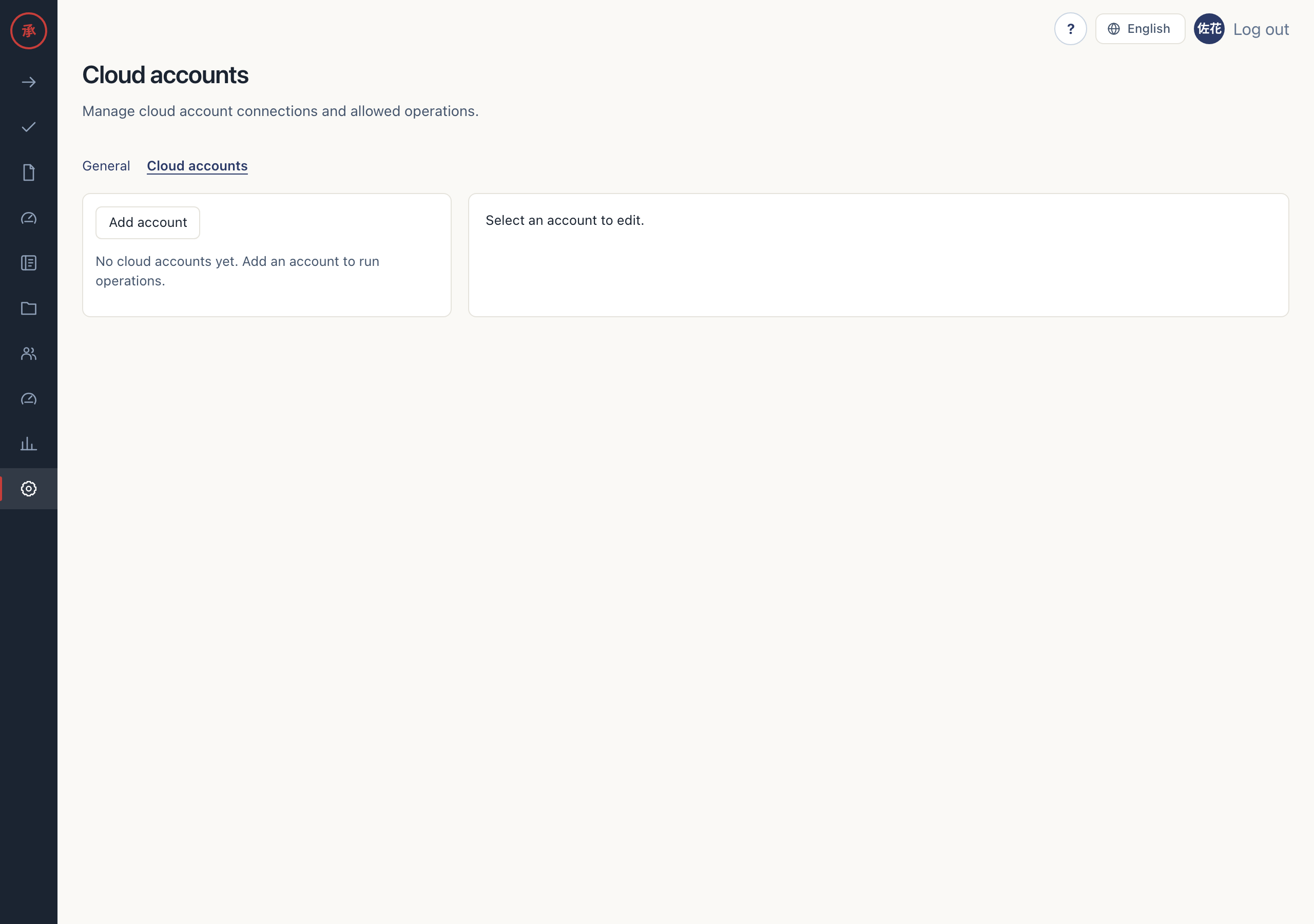
-
Enter the following values in “Cloud accounts.” The registration will match the roles you prepared.
Screen field Value Key A connection name unique within the organization; also used in the OIDC subject Cloud AWS AWS account ID The 12-digit account ID Default region Region for operations Authentication method OIDC or External ID Execution role ARN ARN of the dedicated role External ID Required for the External ID method; must match the trust policy Read-only role ARN Optional; uses the execution role when blank Purpose note Optional description -
Select “Allowed operations” and click “Save.” The connection settings are stored in
cloud_accountsand “Account saved.” appears. With the External ID method, the read-only role uses the same external ID.
[Screen: cloud account registration form]
Test the connection
Section titled “Test the connection”- Click “Test connection” on the saved account. “Assumed role ARN,” “Role name,” and “Expires at” appear. This tests role assumption; it does not test EC2 or RDS operations or Identity Center grant permissions.
- Check that the displayed ARN belongs to the dedicated role and find
cloud_account.connection_testedin the audit log. The account key and success or failure are recorded; the acquired credentials are omitted.
[Screen: cloud account connection test result]
What gets executed
Section titled “What gets executed”Cloud operations through the connected role
Section titled “Cloud operations through the connected role”Approved runbooks can read, stop, and start EC2 instances, and read, snapshot, modify, and reboot RDS instances. Only operations in “Allowed operations” can run automatically through this account. Existing empty allow lists impose no additional restriction, so select and save the required operations in the screen.
Identity Center account assignments
Section titled “Identity Center account assignments”This grant path still uses AWS_REGION (AWS_DEFAULT_REGION is a fallback in Web only), ACTAGATE_AWS_SSO_INSTANCE_ARN, ACTAGATE_AWS_IDENTITY_STORE_ID, and AWS SDK credentials in the Bot and Web runtimes. Ask the deployment operator to configure them. Cloud account registration has no instance ARN or Identity Store ID fields, and this grant path does not assume the registered role.
assign_aws_account uses the approved account_id and permission_set. It resolves the requester’s email through Identity Store’s emails.value to a UserId and creates an assignment with PrincipalType=USER and TargetType=AWS_ACCOUNT. It does not create or edit permission sets.
The runtime’s dedicated role needs permissions for these API calls. Limit their scope to the target instance, permission set, account, and Identity Store.
| IAM action | Purpose |
|---|---|
identitystore:GetUserId |
Resolve the requester |
sso:DescribePermissionSet |
Check the permission set |
sso:CreateAccountAssignment |
Grant access |
sso:DescribeAccountAssignmentCreationStatus |
Check grant completion |
sso:DeleteAccountAssignment |
Revoke access |
sso:DescribeAccountAssignmentDeletionStatus |
Check revocation completion |
sso:ListAccountAssignments |
Reconcile assignments after an uncertain response |
An existing assignment succeeds as already_exists. Expiry revocation runs on views and events, deleting the assignment identified by the saved account ID, permission set ARN, and principal ID. An assignment already removed succeeds as already_absent. Missing configuration, missing users, and API failures become manual runbook tasks.
Troubleshooting
Section titled “Troubleshooting”| Situation | Check |
|---|---|
| OIDC is unavailable or signing is unconfigured | Ask the operator to configure OIDC_ISSUER_BASE_URL and OIDC_SIGNING_KEYS |
| Role assumption is denied | Check the issuer’s /t/<organization ID>, audience, subject, and identity provider ARN |
| External ID does not match | Compare “External ID” with sts:ExternalId |
| Connection test passes but an operation fails | Check role permissions, target resources, and “Allowed operations” |
| Identity Center falls back to a manual task | Check grant environment configuration, requester email, target permission set, and runtime IAM permissions |
If the problem persists, send the account key and on-screen message to your organization’s administrator or deployment operator. Do not paste API error bodies or credentials into evidence.