Connect Azure
Azure and organization administrators connect an Entra ID app for cloud operations. Use this page to run approved VM and dedicated SQL pool runbooks without registering a long-lived secret.
Before you start
Section titled “Before you start”You need permission to manage Actagate settings and configure Entra ID app registration, federated credentials, and Azure RBAC. Prepare the tenant ID, subscription ID, and application (client) ID. All three use UUID format.
The deployment operator must configure OIDC_ISSUER_BASE_URL and OIDC_SIGNING_KEYS. This connection serves Azure Resource Manager (ARM), separately from Microsoft 365 group and license grants.
Set up your cloud
Section titled “Set up your cloud”- Register a dedicated app in Entra ID and use its service principal as the permission recipient. You now have an application ID for cloud operations.
- Open “Cloud accounts” → “Add account,” select “Azure” under “Cloud,” and enter “Key,” “Tenant ID,” “Subscription ID,” and “Application (client) ID.” “Azure setup command” now contains your values.
- Have an Azure administrator run the displayed
az ad app federated-credential createcommand. The credential’snameiscloud-account;issueris the displayed “Issuer URL”;subjectisorg:<organization ID>:account:<key>;audiencesis["api://AzureADTokenExchange"]. The app now accepts tokens for that organization and key. - Give the app’s service principal Azure RBAC permissions to read the target resources and perform the selected VM and SQL operations. The connection test also needs subscription read access. The connection now has permissions scoped to the resources and operations it will use.
The issuer URL is OIDC_ISSUER_BASE_URL with trailing / characters removed, followed by /t/<organization ID>. This connection does not require registering a client secret or certificate.
Register in Actagate
Section titled “Register in Actagate”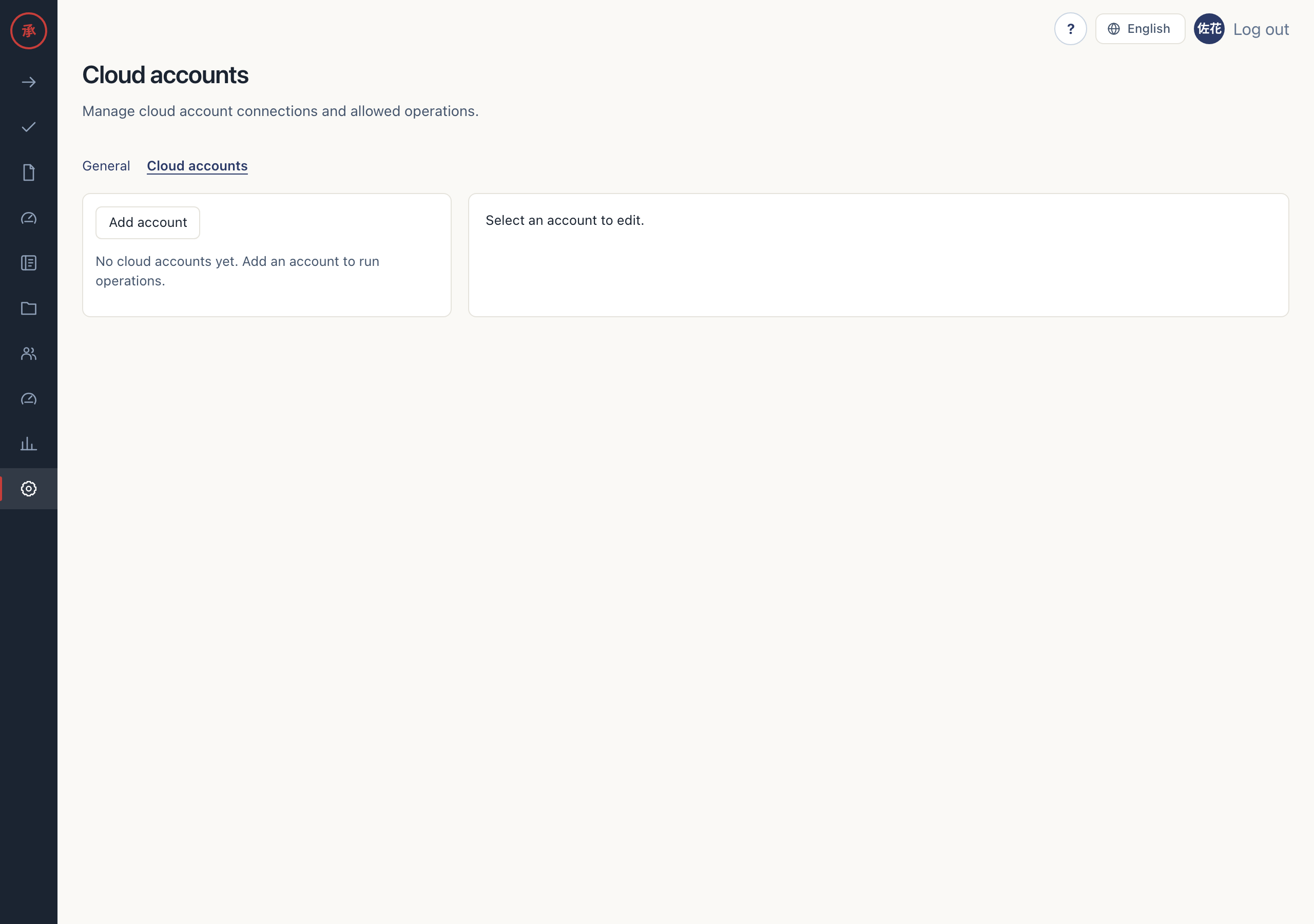
-
Enter these values. They must match the app with the federated credential.
Screen field Value Key A connection name unique within the organization; used in the subject Cloud Azure Tenant ID The app’s tenant ID Subscription ID Target subscription ID Application (client) ID Dedicated app ID Purpose note Optional description -
Select the required “Allowed operations” and click “Save.” Authentication is fixed to OIDC and the connection settings are stored in
cloud_accounts. “Account saved.” appears. Azure has no separate read-only connection field; reads use the same app.
[Screen: cloud account registration form]
Test the connection
Section titled “Test the connection”- After saving, click “Test connection.” It exchanges a token through Entra ID and calls ARM
GET /subscriptions/<subscription ID>?api-version=2022-12-01. Success displays “Application (client) ID” and “Expires at.” - Check the displayed app ID and find
cloud_account.connection_testedin the audit log. The account key and success or failure are recorded. Tokens are omitted; this test does not check VM or SQL write permissions.
[Screen: cloud account connection test result]
What gets executed
Section titled “What gets executed”ARM operations through the connected app
Section titled “ARM operations through the connected app”A signed temporary token is sent as client_assertion to https://login.microsoftonline.com/<tenant ID>/oauth2/v2.0/token. The flow is client_credentials with scope https://management.azure.com/.default.
| Runbook operation | ARM call |
|---|---|
azure.vm.get |
GET the VM’s /instanceView |
azure.vm.start / azure.vm.deallocate |
POST to the VM’s /start / /deallocate |
azure.sql.get_database |
GET the SQL database |
azure.sql.pause / azure.sql.resume |
POST to the database’s /pause / /resume; for dedicated SQL pools |
VM calls use api-version=2024-07-01; SQL calls use api-version=2023-08-01. A subscription specified in the runbook must match the registered subscription.
Entra ID group and license grants
Section titled “Entra ID group and license grants”The separate entra-id executor uses the approved group_id or sku_id. It resolves the requester’s email to a user ID with GET /users/{email}. Group addition calls POST /groups/{id}/members/$ref; direct license assignment calls POST /users/{id}/assignLicense.
This path uses ENTRA_TENANT_ID, ENTRA_CLIENT_ID, and ENTRA_CLIENT_SECRET, configured in the runtime by the deployment operator, with scope https://graph.microsoft.com/.default. The cloud account’s federated credential does not enable it. Do not paste the secret into the registration form.
An Entra administrator must separately configure Microsoft Graph application permissions and admin consent for target reads, group membership addition and removal, or license assignment and revocation. These are separate from ARM RBAC permissions.
Expiry revocation runs on views and events, removing the same direct grant using the saved user ID and group ID or SKU ID. Licenses inherited through a group cannot be revoked as direct assignments. License assignment requires the user’s usageLocation. Missing configuration and API failures become manual runbook tasks.
Troubleshooting
Section titled “Troubleshooting”| Situation | Check |
|---|---|
| Issuer or signer is unconfigured | Ask the operator to configure the issuer URL and signing keys |
| Entra ID denies token exchange | Compare the app’s issuer, subject, and audiences with the displayed values |
| Subscription read is denied | Check the service principal’s subscription read permissions |
| VM or SQL operations are denied after a successful test | Check target resource RBAC and “Allowed operations” |
| Group or license grants become manual tasks | Check the separate Graph configuration, admin consent, and target user |
If the problem persists, send the account key and on-screen message to your organization’s administrator or deployment operator. Do not attach tokens or secrets as evidence.